??kruskalSeeking Help

Advice on asking for help
The key to receiving help from someone is for them to rapidly grasp your problem. You should make it as easy as possible to pinpoint where the issue might be.
Try to use the correct words to describe your problem. For instance, a package is not the same thing as a library. Most people will understand what you meant, but it can make things confusing for people trying to help you. Be as precise as possible when describing your problem.
Don’t let not knowing exactly how to describe your problem prevent you from asking. Screenshots help tremendously!
Do this -
- Explain what thing you are trying to do
- Explain/show the code you wrote to try to do that thing
- Explain/show your result, and if it’s not obvious explain why you feel it’s not the correct result. (E.g. you expected the answer to be 5, but instead it’s 10. )
Not this -
- Spend more than 20 minutes being frustrated before you ask for help
- Post a vague message in discord like “i have an error” with no other context
- Be afraid to ask for help
- Think that your question is “dumb” or that “everyone else gets it” (you’re not, and no they don’t)
- Don’t go ask Chat GPT or any other AI tool
Using AI tools
AI coding tools are not permitted for any stage or phase of work in this class. You are just learning how to program in R, and so there are a lot of ways AI can make this experience worse, not better.
- It can be wrong in ways you don’t understand
- It can give you sloppy, inefficient, and unnecessary code
- It can show you techniques that are technically correct (e.g. it comes to the same result), but not in the streamlined way that this course teaches
- It doesn’t help you learn right now. It’s a crutch, and will take you so much longer to actually learn what to do.
Imagine if you went to another country where you did not speak the language and relied 100% on using google translate to get around. Sure it’s mostly fine, and you get your point across most the time, but it takes much longer, can be more convoluted and annoying for everyone. Just take the time to learn the basics.
You will grow into it
I’m not saying that AI can’t be useful to help you code. Just not yet at this stage. Once you have a basic understanding of fundamentals, can provide clear instructions, and have a better “bullshit” radar, AI can be very helpful in figuring out how to code things.
Help from inside R Studio
I know the name of the function I want to use, but im not sure how to use it
Use the built-in RStudio help interface (bottom right corner) to search for more information on R functions. E.g. ?mean or ?ggboxplot
I want to use a function that does X, there must be a function for it but I dont know which one…
If you are looking for a function to do a particular task, you can use the help.search() function, which is called by the double question mark ??. However, this only looks through the installed packages for help pages with a match to your search request
If you can’t find what you are looking for, you can use the rdocumentation.org website that searches through the help files across all packages available.
Finally, a generic Google or internet search “R <task>” will often either send you to the appropriate package documentation or a helpful forum where someone else has already asked your question.
I get an error message that I dont understand
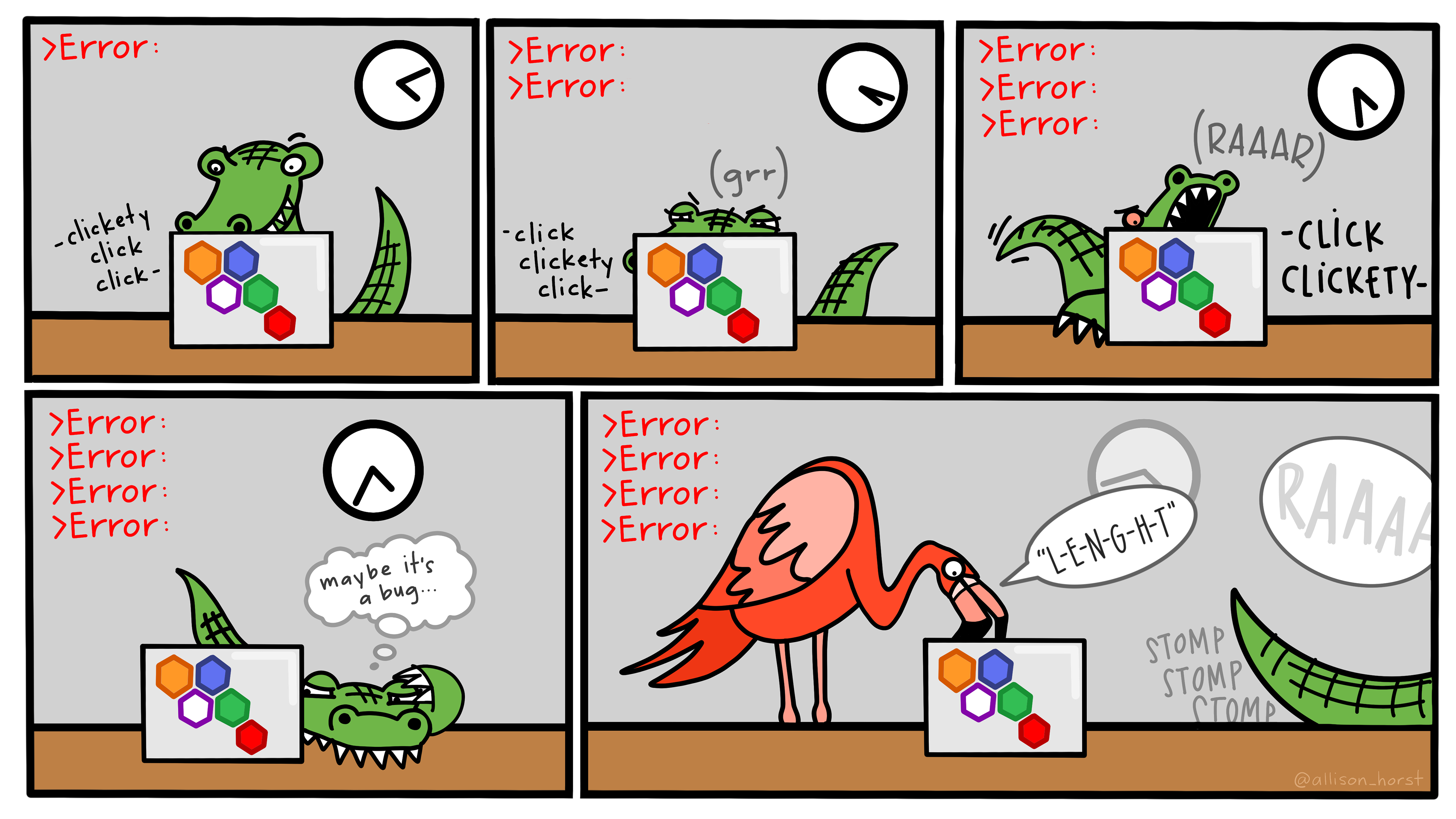
Start by googling the error message. However, this doesn’t always work very well because often, package developers rely on the error catching provided by R. You end up with general error messages that might not be very helpful to diagnose a problem (e.g. “subscript out of bounds”). If the message is very generic, you might also include the name of the function or package you’re using in your query.
If you check Stack Overflow, search using the [r] tag. Most questions have already been answered, but the challenge is to use the right words in the search to find the answers: http://stackoverflow.com/questions/tagged/r
Development of R moves pretty fast.
When at all possible, use results from the past 1-2 years. Anything over 5 years old for packages such as ggplot, dplyr, and forcats are likely obsolete.
In Person help
Sometimes you just need another set of eyeballs
- Start by ask the person sitting next to you! Don’t hesitate to talk to your neighbor, compare your answers, and ask for help.
- Ask in the Math & Statistics Discord server - we have a dedicated channel just for this class but a lot of students in the server know how to use R.
- Attend Community Coding.
- Drop in work session & dedicated space to work on coding projects.
- Collaborate with your peers and learn from experts.
- Some hours are held over Zoom
Other Online
- The package “vignettes”. Walk through package documentation with examples and clearly explained text. E.g. ggpubr, sjPlot, and gtsummary
- Quarto authoring guide https://quarto.org/docs/guide/
- Variety of “cheatsheets” https://posit.co/resources/cheatsheets/
- Stack Overflow: if your question hasn’t been answered before and is well crafted, chances are you will get an answer in less than 5 min. Remember to follow their guidelines on how to ask a good question.
- The Posit Community: it is read by a lot of people and is welcoming to new users.
Written Reference texts
If you’re a book kinda person, there is plenty of help available as well. Many have online versions or free PDF’s. Here are some examples.
- R for Data Science (2e) https://r4ds.hadley.nz/
- The Art of R Programming https://nostarch.com/artofr.htm
- R for… http://r4stats.com/
- Excel Users https://www.rforexcelusers.com/
- SAS and SPSS Users http://r4stats.com/books/r4sas-spss/
- STATA Users http://r4stats.com/books/r4stata/